
I still remember the knot in my stomach when I got the quote. I was launching a small online course a few years back and needed a simple platform for my students to log in, view videos, and download materials. The custom development quote came back at a staggering five figures. My heart sank. There was just no way my tiny budget could handle that. I almost gave up, thinking my idea was dead in the water unless I won the lottery or learned to code overnight. It felt like I was locked out of the game simply because I couldn’t afford the key.
That experience sent me down a rabbit hole I’m incredibly thankful for today. I discovered the world of no-code tools. These platforms felt like a superpower. They let me build the exact things I needed—websites, apps, automated workflows—without writing a single line of code. Suddenly, I wasn’t locked out anymore. I had found a whole set of keys.
If you’ve ever felt that same frustration, that sense of being limited by budget or technical skills, then this post is for you. We’re going to explore some amazing no-code tools that can replace expensive software, saving you a ton of money and empowering you to bring your ideas to life.

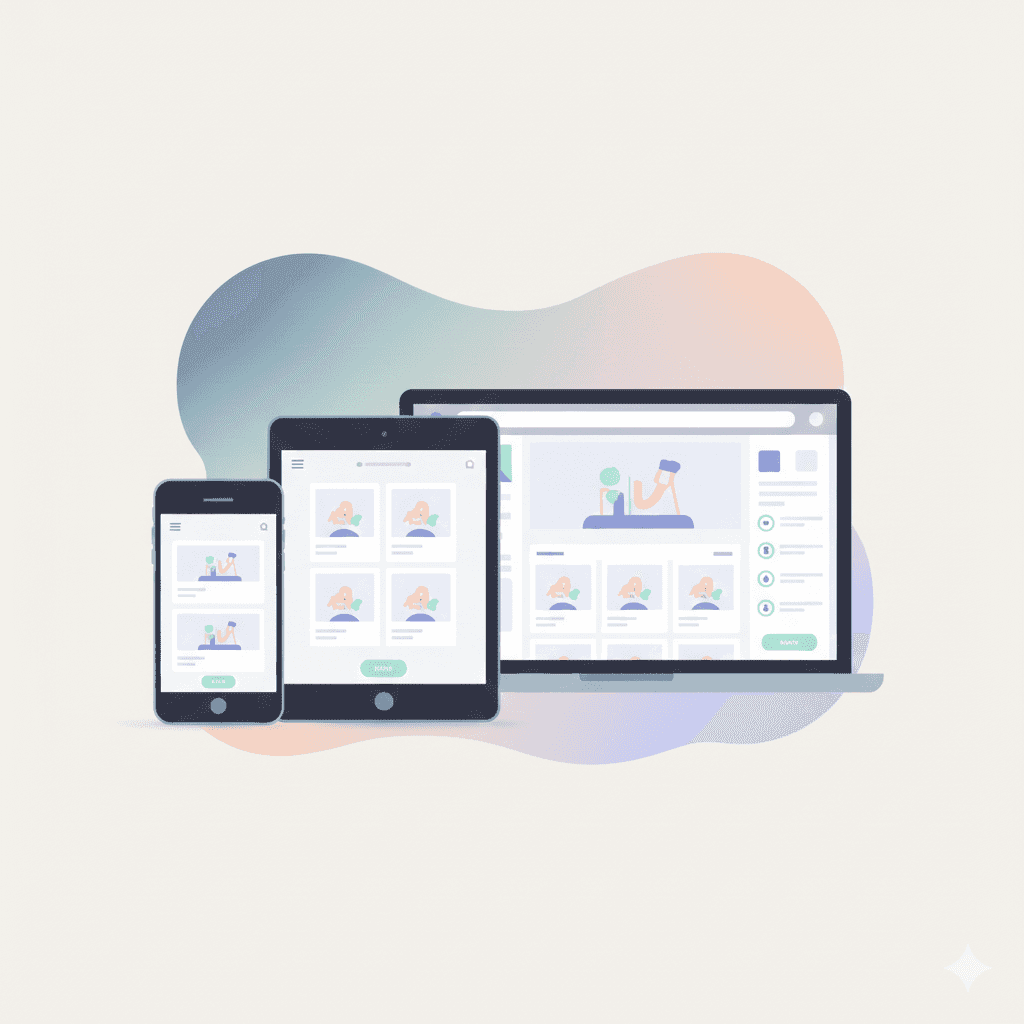
Build a Stunning Website Without a Designer
Remember the days when building a website meant hiring a costly agency or spending months learning HTML and CSS? A professional-looking site could easily set you back thousands. When I started my first blog, I spent weeks trying to tweak a clunky, free theme. It was a disaster. It looked amateurish, and every time I tried to change something, something else would break. I was convinced I just didn’t have the “eye” for design.
Then I found Carrd. It was a revelation. For less than the price of a few cups of coffee a year, I could create beautiful, responsive, single-page websites. It’s perfect for landing pages, personal portfolios, or showcasing a new product. The interface is all drag-and-drop, so you’re moving elements around visually, not wrestling with code. I built a landing page for a freelance service in about two hours, and it looked more professional than the site I had spent weeks fighting with.
For more complex needs, like a full blog or an e-commerce store, tools like Webflow and Framer give you incredible power. They offer the design flexibility of high-end software like Adobe XD but translate your visual designs directly into a live website. You get the polish of a custom-coded site with the ease of a visual editor. Have you ever abandoned a project because the website felt like too big of a hurdle? With these tools, that barrier is gone.
Ditch the Pricey Project Management Subscriptions
In the corporate world, I’ve used all the big-name project management tools—the ones that come with hefty per-user monthly fees. They are powerful, no doubt. But for a small team or a solo entrepreneur, that cost adds up fast. When I went freelance, I needed a way to track projects for multiple clients, manage my content calendar, and keep my personal to-do lists in order. Paying for three different subscriptions wasn’t an option.
This is where Notion and Airtable completely changed my workflow. I started using Notion as a simple to-do list, but it quickly became my “second brain.” It’s a flexible workspace where I can create databases, Kanban boards, calendars, and documents all in one place. I built a custom content calendar that tracks an article from idea to publication. I have another database for client projects, complete with invoices and contact information. It replaced at least two paid apps I was considering.
Airtable takes this a step further, blending the simplicity of a spreadsheet with the power of a database. Think of it as Google Sheets on steroids. I once worked with a small non-profit that was using a ridiculously expensive and complicated donor management system. We rebuilt their entire process in Airtable in a single weekend. We created a base to track donors, log communications, and manage fundraising campaigns. They saved thousands of dollars a year and ended up with a system that was actually easier for their volunteers to use.
Automate Your Work and Reclaim Your Time
One of the biggest hidden costs in any business is time spent on repetitive, manual tasks. Think about copying information from an email to a spreadsheet, manually sending follow-up messages, or posting the same update across multiple social media platforms. These tasks drain your energy and prevent you from focusing on what really matters. Enterprise automation software can solve this, but it’s often complex and wallet-crushing.
Enter the world of no-code automation with tools like Zapier and Make. These platforms act like a bridge between all the different apps you use every day. You can create “if this, then that” rules to automate your workflows. For example, I have a “Zap” that automatically saves any invoice I receive in my Gmail to a specific folder in Google Drive. Another one posts my new blog articles to LinkedIn and X (formerly Twitter) as soon as they are published on my site.
I once helped a friend with her online shop. She was spending hours each week manually adding new customer information from her payment processor into her email marketing list. We set up a simple automation in Make. Now, whenever someone makes a purchase, their name and email are instantly added to her newsletter list and tagged with the product they bought. It’s a small thing, but it saves her about five hours a month—time she now spends creating new products. What repetitive task in your life could you automate away?
Conclusion: You Have the Power to Build
That feeling of being on the outside looking in, blocked by technical barriers or financial constraints, is something too many creative people experience. The truth is, you no longer need a massive budget or a computer science degree to build incredible things. The rise of no-code tools has levelled the playing field for good.
We’ve seen how you can build a professional website with tools like Carrd or Webflow, manage complex projects with Notion and Airtable, and automate your life with Zapier and Make. Each of these can replace expensive software and, more importantly, empower you to act on your ideas immediately.
The biggest shift for me was mental. I stopped thinking, “I can’t do that because I can’t afford the software,” and started asking, “How can I build this with the tools I have?” The answer is almost always out there. So, what’s one project you’ve put on the back burner? Maybe it’s time to pick it back up. I’d love to hear in the comments what you’re inspired to build