
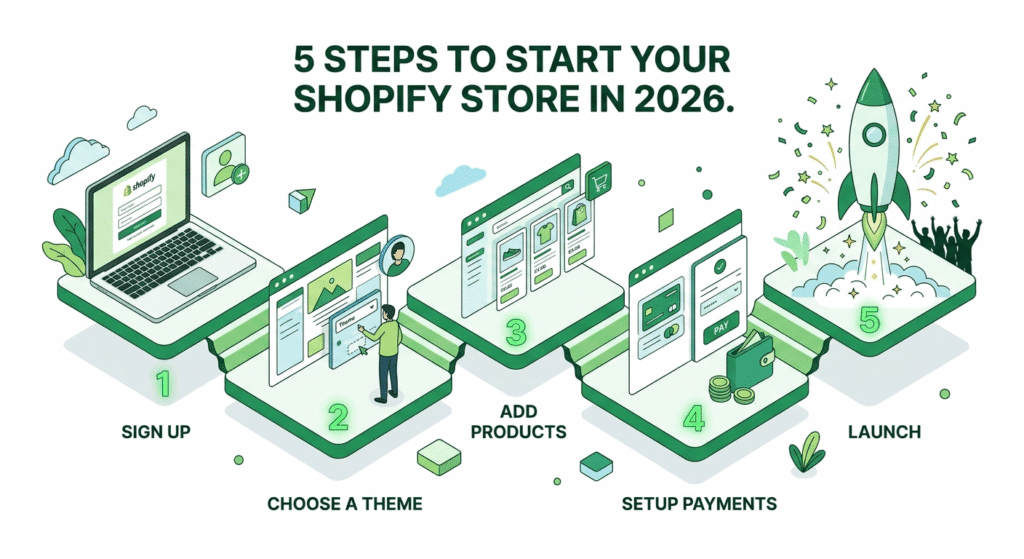
Ready to launch your online store? Shopify is the most beginner-friendly platform in 2026. Follow this lightning-fast guide to get started.
1. The Pre-Launch Checklist
Before you click “Start,” have these 3 things ready:
- Business Name: Ensure the
.comThe domain is available. - Email Address: Use a professional or dedicated Gmail.
- Niche: Know exactly what you’re selling (Fashion, Tech, etc.).
2. The 5-Minute Sign-Up Process
- Visit Shopify.com: Look for the $1/month promotional offer.
- Enter Email & Password: No credit card is required for the initial 3-day trial.
- Answer Onboarding Questions: Shopify will ask if you are selling online, in person, or via social media.
- Set Your Location: This determines your currency and tax settings.
- Enter the Dashboard: This is your “Command Center” for products and orders.
3. Immediate “Day One” Tasks
To make your store look professional right away:
- Choose a Theme: Start with the free “Dawn” theme; it’s fast and mobile-responsive.
- Add a Product: Upload high-quality images and a “humanized” product description.
- Link a Domain: Connect a custom domain (e.g.,
www.yourbrand.com) to build trust.
4. Pro-Tips for 2026
- Use AI Tools: Use Shopify’s built-in AI to generate your first set of product descriptions.
- Check Indexing: Once your store is live, submit your sitemap to Google Search Console immediately to start ranking.